Plan the occasion
Put birthdays and anniversaries on the celebration calendar. Add planning tasks, see upcoming reminders in the app and export dates to your calendar.
From birthdays and anniversaries to the little moments worth marking. Keep gift ideas, spending and everything still to wrap in one place.
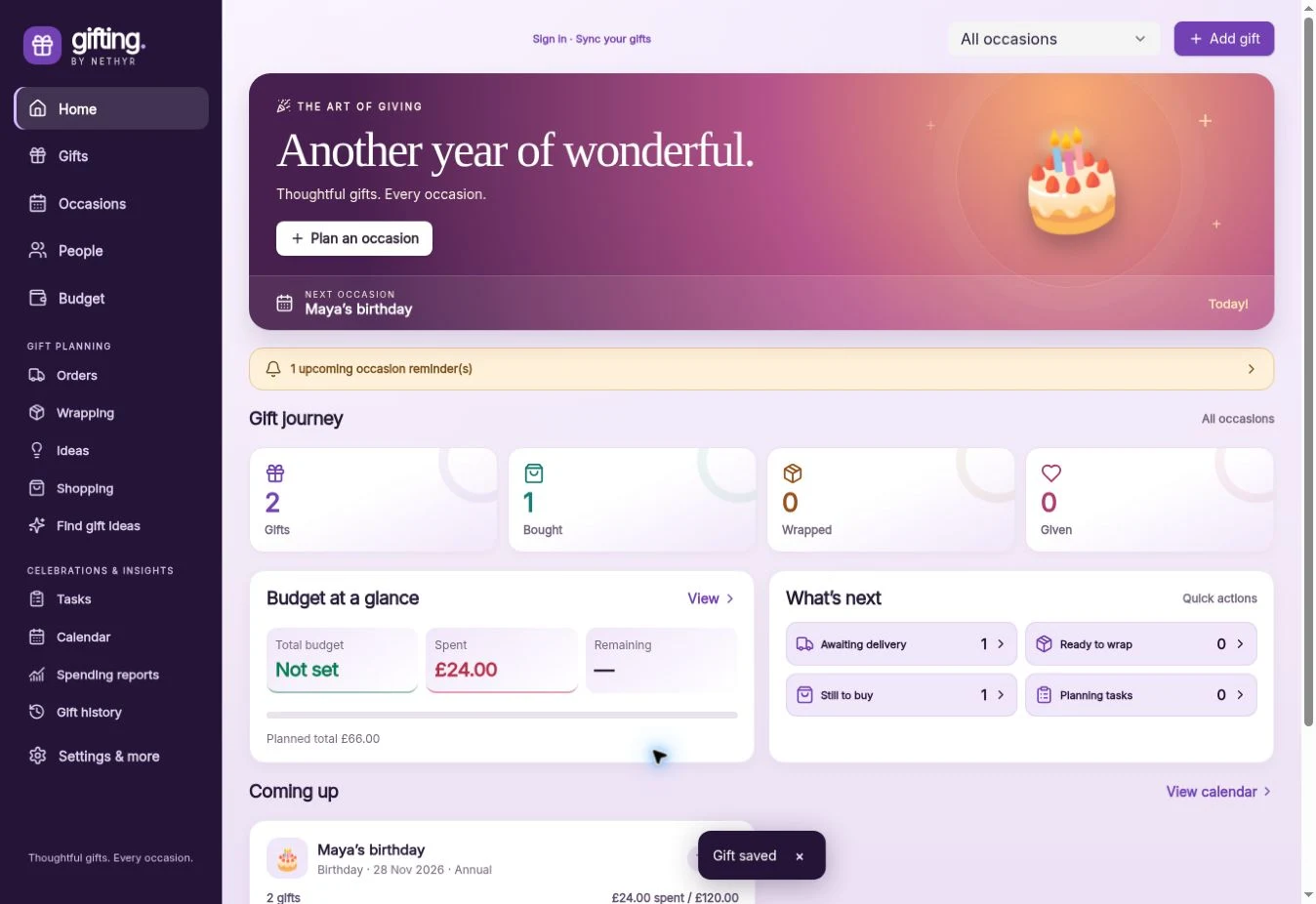
Keep track of what’s coming up, what you’ve already bought and how much is left to spend.
Put birthdays and anniversaries on the celebration calendar. Add planning tasks, see upcoming reminders in the app and export dates to your calendar.
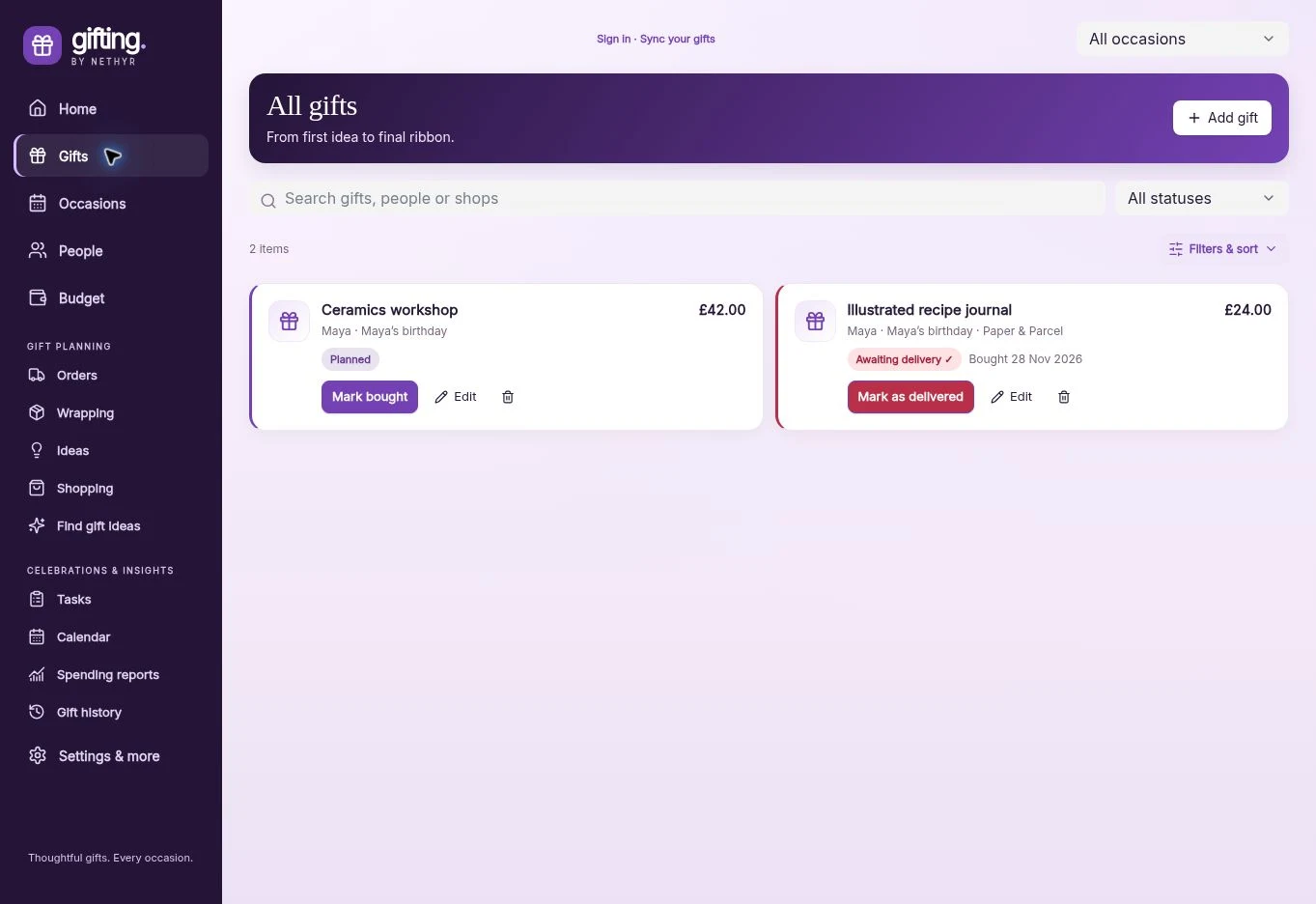
Browse gift inspiration and keep a shortlist. Use Shopping mode for gifts still to buy, mark online orders as delivered and see what’s ready to wrap.
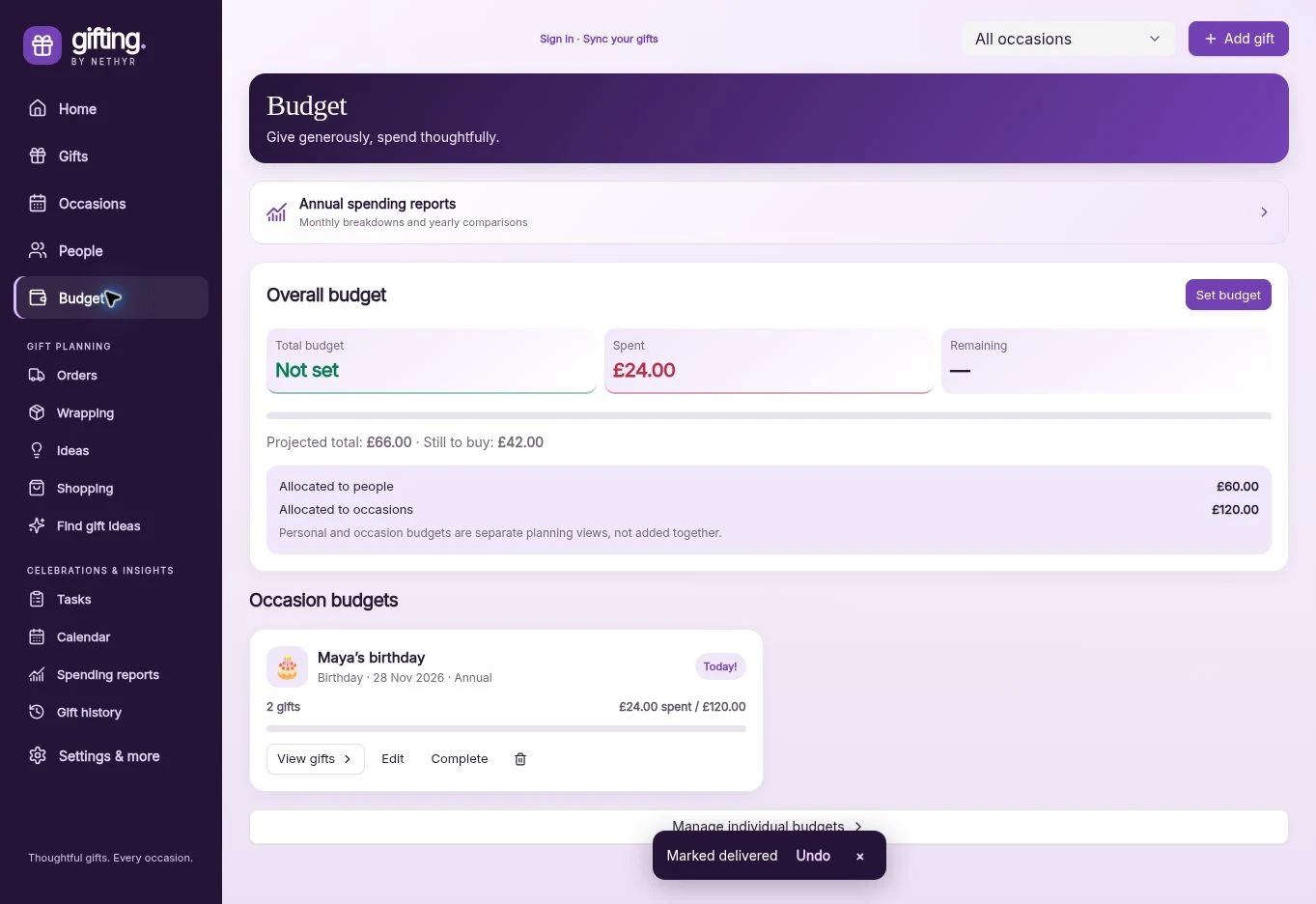
Set limits for people and occasions. See what you’ve spent, what you still plan to buy, and annual spending reports with monthly breakdowns.
Open Gift history to look back at what you gave. Save the good ideas you want to come back to next time.
Captured in the live app using demonstration data. Open either image for the full-size view.
Open gifting. in Safari, tap Share, then choose Add to Home Screen. If Safari offers Open as Web App, leave it on and tap Add.
Open gifting. in Chrome, tap the three-dot menu and choose Add to Home screen. If you see Install, select it and follow Chrome’s prompt.
Open gifting. in your browser. If the address bar or browser menu offers an install option, follow the prompt. You can also bookmark the app for quick access.